Simplify Expenses
Personal and team finance management, designed to be handled from your phone in seconds.
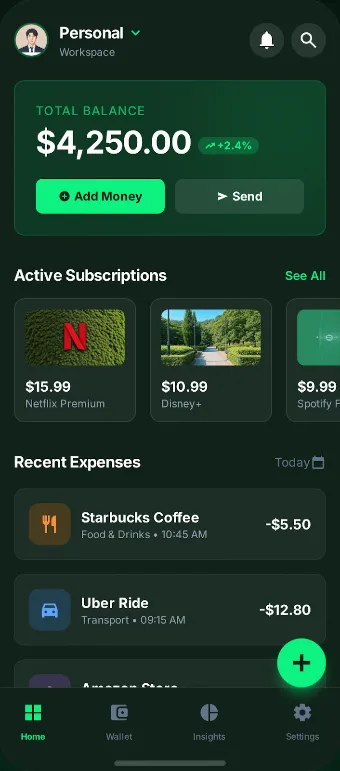
Logging an expense should take seconds, not minutes.
Simplify Expenses is a personal and team finance app: it logs and categorizes expenses, scans receipts with AI, keeps recurring subscriptions in check and lets you share workspaces with other people.
People abandon expense apps out of boredom.
Manual entry is tedious, subscriptions pile up unchecked and teams have no shared view of where the money goes.
Let the app do the boring work.
The core product decision was to shift the effort from the user to the machine: a photo replaces the form, and information comes back to the user as insight, not as a table.
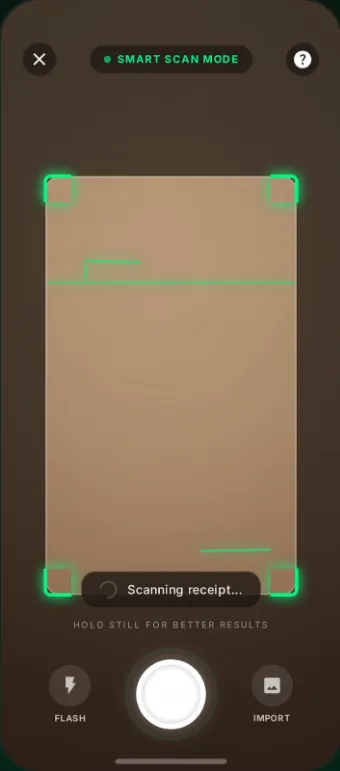
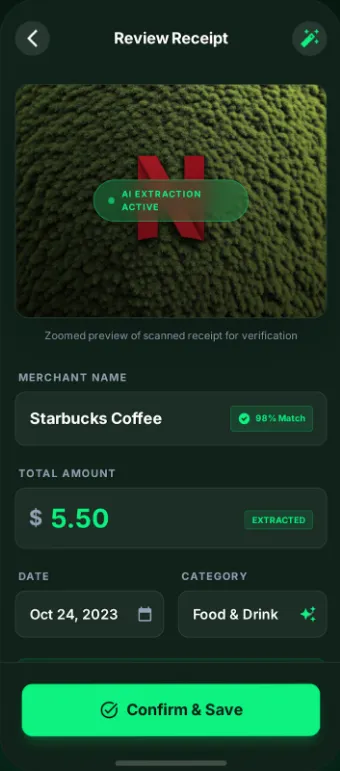
From photo to logged expense.
The product's most important flow: the user snaps a photo of the receipt and the app does the rest. The only human step is confirming.
- Capture from the phone's camera
- OCR + AI field extraction
- Automatically suggested category
- One-tap confirmation
- Manual correction always available
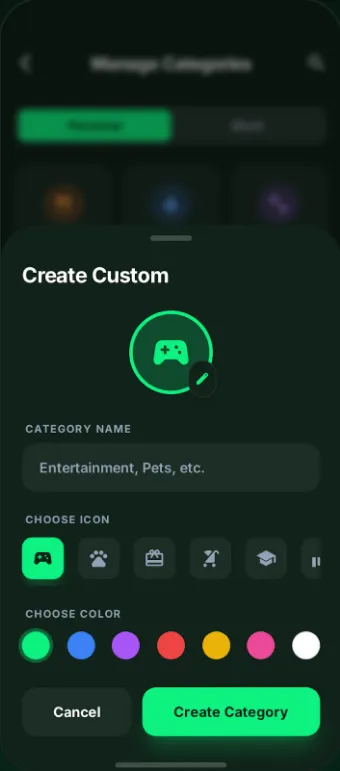
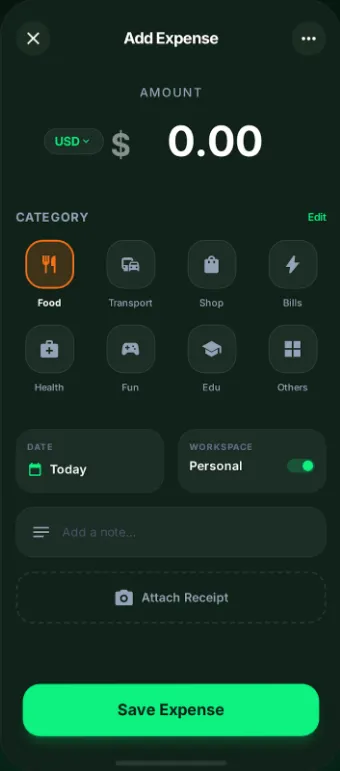
Log and categorize without thinking about it.
Custom categories, quick entry and a clear view of your history.
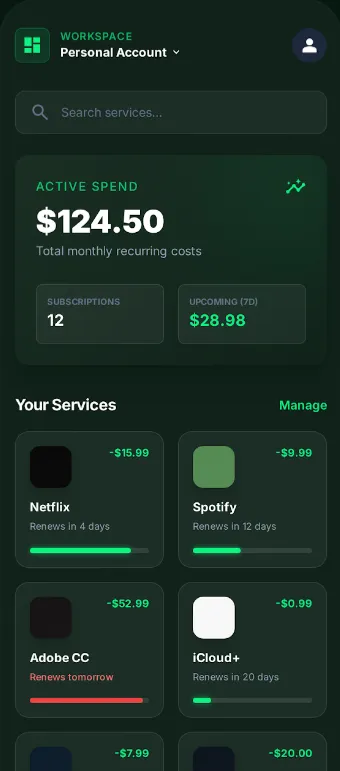
See everything recurring on one screen.
Subscriptions stop being surprise charges and become a list you can review.
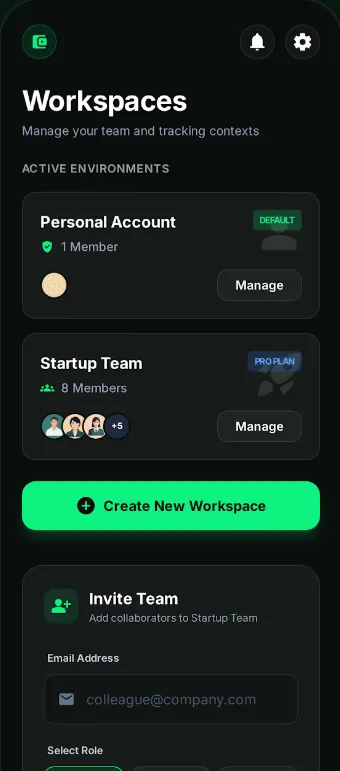
A shared space, without losing the personal.
Workspaces let a team or household track shared expenses while keeping each person's individual finances separate.
- Shared spaces per team or household
- Personal and shared expenses kept separate
- A common view of where the money goes
- Multiple people logging in the same space
Information you understand at a glance.
The visual hierarchy puts the number that matters —the balance— front and center and keeps the details in the background.
Designed for one hand and one thumb.
The product lives on the phone: actions within thumb reach, generous tap targets and screens that do one thing well.
Designing against abandonment.
Every decision was measured against a single question: does this make logging an expense faster? If not, it didn't make the cut.
- Analysis of the drop-off point
- Identification of the critical flow
- Scope definition for v1
- Photo → logged expense flow
- Visual hierarchy centered on the balance
- Mobile components and tap targets
- iOS and Android app
- OCR + AI field extraction
- Workspace sync
- Launch on the App Store and Play Store
- Iteration on OCR accuracy
- Automatic insights as the next layer
What IDEASCOL built on this project.
Product, mobile design and implementation of the app on both platforms.
- Defined the core flow: photo → logged expense
- App information architecture
- Personal and shared workspace model
- Feature prioritization for the first version
- iOS and Android screen design
- Visual hierarchy centered on the balance
- Mobile components and tap targets
- Empty, loading and confirmation states
- App implementation in React Native
- Receipt scanner integration (OCR + AI)
- Expense, subscription and insight views
- Workspace sync
What it's built with.
What shipped.
- A photo of the receipt replaces the manual form.
Want to build something like this?
Tell us what you have in mind. We reply in under 24 hours with a first plan — no commitment, no jargon.